
Ekstensi Cuaca OpenCart

Buat Ekstensi Cuaca Anda
Cuplikan Layar


Deskripsi
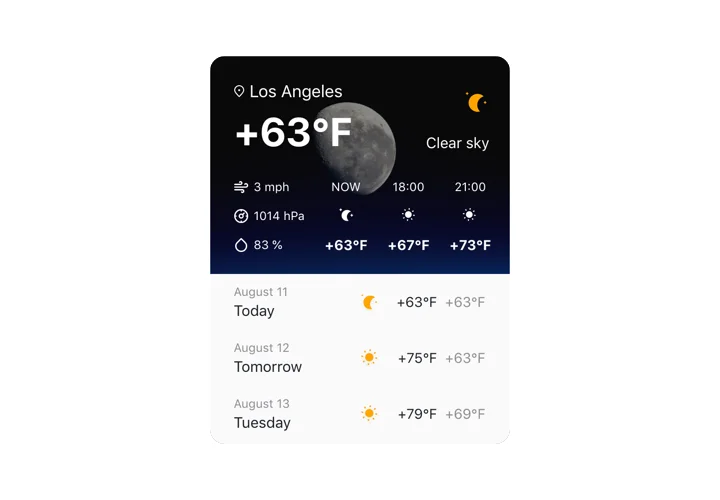
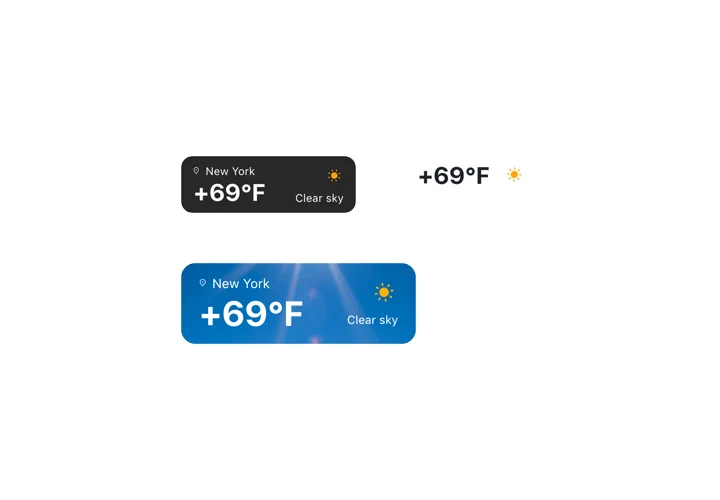
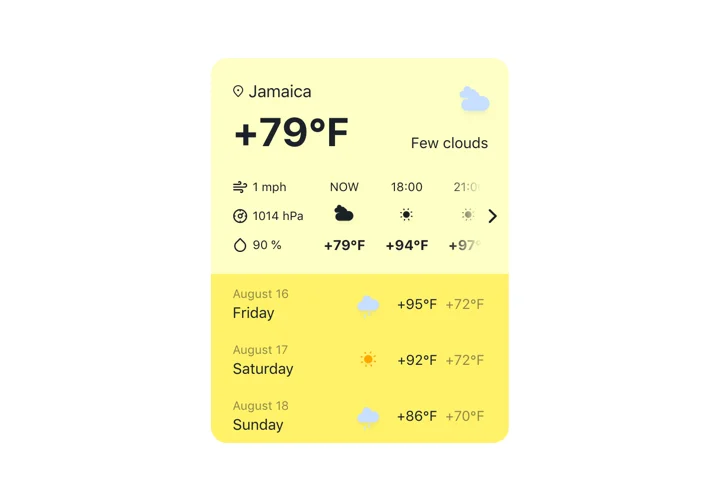
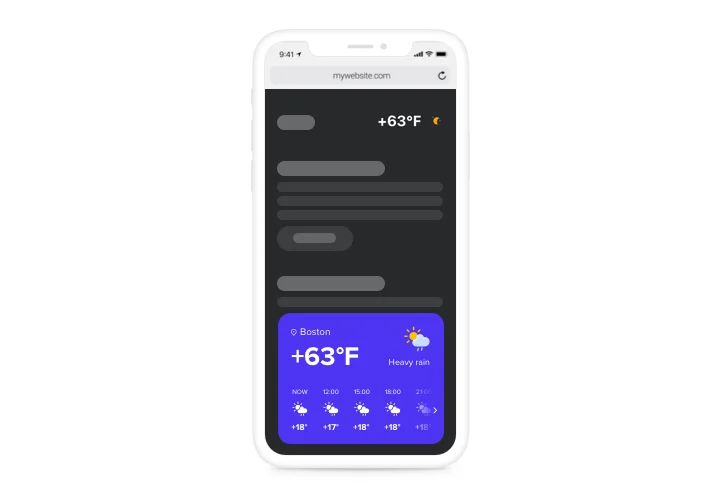
Elfsight Weather adalah widget situs web yang sederhana namun sangat dapat disesuaikan, yang menampilkan prakiraan cuaca terkini untuk wilayah mana pun. Tambahkan lokasi menggunakan nama, kode pos, atau koordinat. Pengunjung situs akan melihat data terbaru tentang suhu, tekanan udara, persentase kelembapan, dan cuaca saat ini. Ada fitur untuk menampilkan prakiraan per jam atau per hari. Anda dapat menyesuaikan antarmuka dengan gambar latar bertema cuaca dan opsi untuk memilih warna Anda sendiri.
Permudah pelanggan merencanakan perjalanan mereka dengan prakiraan cuaca yang mudah dilihat!
Berikut daftar semua fitur widget Cuaca. Atur langsung di editor, dan fitur-fitur tersebut akan membantu Anda menyesuaikan widget sesuai kebutuhan Anda.
- Tiga cara memasukkan lokasi: nama, kode pos, atau koordinat;
- Lebih dari 30 bahasa tersedia untuk menampilkan informasi cuaca dalam bahasa Anda;
- Lima varian konfigurasi widget untuk berbagai kasus penggunaan;
- Opsi untuk menampilkan ramalan cuaca harian selama seminggu beserta tanggalnya;
- Tampilkan ramalan cuaca per jam untuk dua belas jam ke depan.
Bagaimana cara menambahkan ekstensi Cuaca ke situs OpenCart saya?
Untuk memasang widget, cukup ikuti langkah-langkah cepat berikut.
Jangan ragu menghubungi dukungan pelanggan Elfsight jika Anda membutuhkan bantuan atau memiliki pertanyaan. Para ahli kami siap membantu dengan setiap pertanyaan.
Ada cara menambahkan Cuaca ke beranda OpenCart saya tanpa kemampuan coding?
Elfsight company introduces a Cloud solution that lets you create a Weather plugin yourself, watch the uncomplicated guide: Go to the online Demo to build a Weather widget you would like to integrate on OpenCart. Select one of the many pre-designed templates and adapt the Weather settings, change the layout and color of the elements and update your content, without any coding skills. Click to save the settings you’ve made to Weather and obtain plugin’s code for installation, that can be easily included in the OpenCart web page using a free plan. Working in the straightforward Editor any web user can generate a Weather app and readily embed it to the OpenCart homepage. There’s no need to get a paid plan or enter your card data in order to access the service. If you run into any obstacles at any step, go ahead and talk to our technical support team.”>Elfsight company introduces a Cloud solution that lets you create a Weather plugin yourself, watch the uncomplicated guide: Go to the online Demo to build a Weather widget you would like to integrate on OpenCart. Select one of the many pre-designed templates and adapt the Weather settings, change the layout and color of the elements and update your content, without any coding skills. Click to save the settings you’ve made to Weather and obtain plugin’s code for installation, that can be easily included in the OpenCart web page using a free plan. Working in the straightforward Editor any web user can generate a Weather app and readily embed it to the OpenCart homepage. There’s no need to get a paid plan or enter your card data in order to access the service. If you run into any obstacles at any step, go ahead and talk to our technical support team.”>Indonesia